Do wireless CarPlay adapters actually work? The short, honest answer
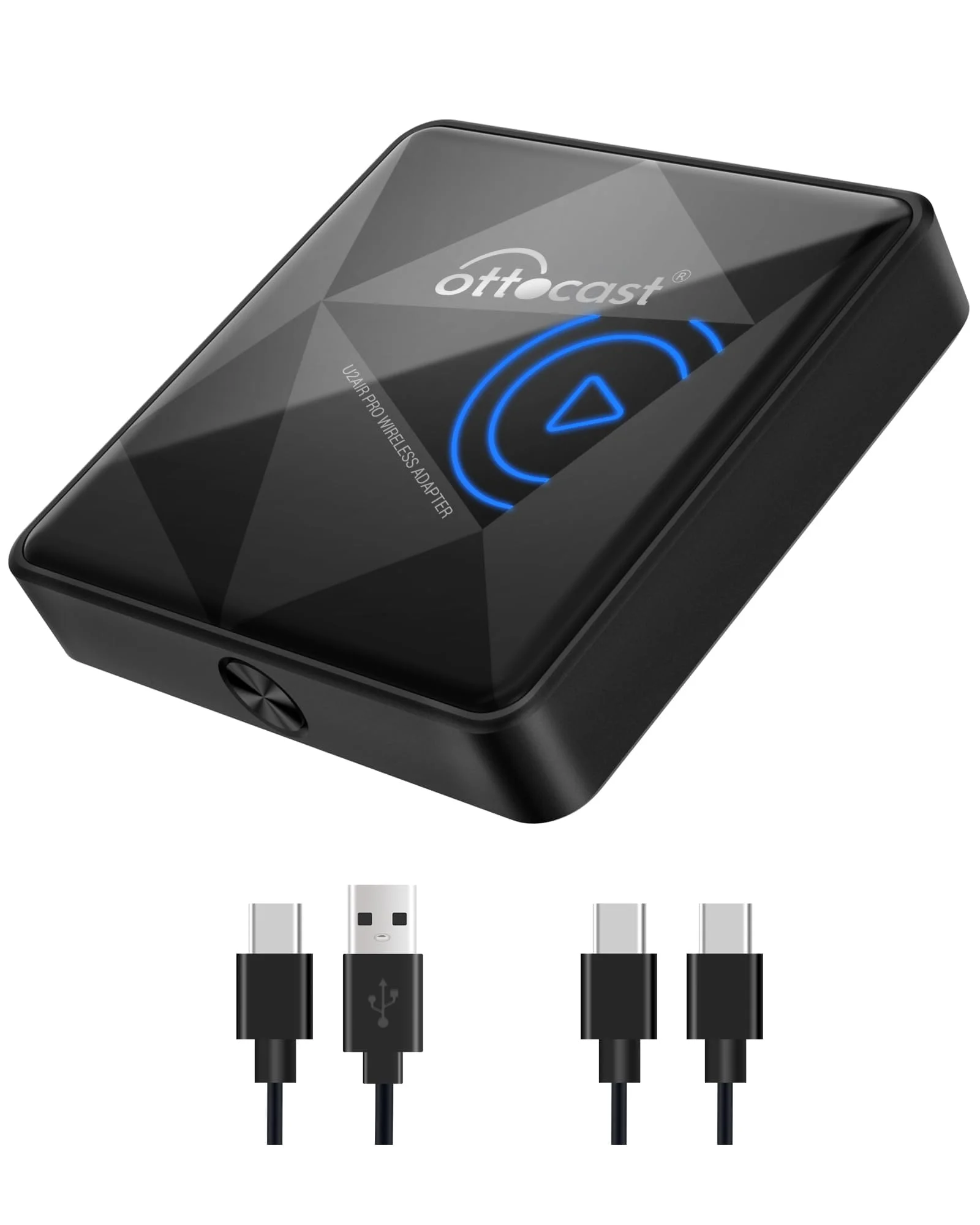
Yes — with caveats worth knowing before you spend the money. A modern wireless CarPlay adapter does reliably do its one job: it takes the wired CarPlay your car already has and lets your iPhone connect to it over the air, so the phone stays in your pocket and the screen comes up on its own. Reviewers who run these for weeks at a time, like the Ottocast U2-Air adapter that CarXplorer and Lasting Car describe as a rock-solid performer across a 90-day stretch, report a link that feels close to a factory wireless system once it is connected.
The honest part is the word modern. The early generations earned wireless CarPlay its flaky reputation, and the cheapest single-band dongles still deserve it. Car Tech Studio puts current-generation reliability at roughly 98 percent — meaning a good adapter just works almost every drive, but that remaining ~2 percent is a real occasional hiccup you should expect, not a defect to chase. So the realistic answer is not a flat yes or no; it is “yes, the good ones work well, with a short boot delay and a couple of small trade-offs the marketing skips.”
The rest of this page is those caveats in plain terms: how the adapter actually pulls off the trick, how much lag there really is, whether it is worth it for how you drive, what it quietly costs your phone's battery, what to check against your specific car before you buy, and — if you decide it is worth it — which adapter actually stays connected. Every figure here is a published spec, a named reviewer, or an owner report, flagged as such. No pretend test bench.
How the adapter pulls it off (and why that explains the lag)
Strip away the marketing and the job is a translation. Your car's head unit speaks WIRED CarPlay over the USB port; your iPhone speaks WIRELESS CarPlay over Wi-Fi and Bluetooth. The dongle sits in the middle: it tells the car “I'm an iPhone on a cable,” accepts the wired CarPlay session, then re-broadcasts that session to your real phone wirelessly. The car never knows the phone isn't plugged in — which is also why an adapter can only ever convert a car that already has wired CarPlay, never add it.
Understanding that hand-off is what explains both the strengths and the lag. The dongle runs its own little Wi-Fi network that your phone joins, and the entire CarPlay screen — video and audio — streams across that link in real time. Two specs decide nearly everything about how clean that stream is, per explainers from Macally and CarAudioNow:
- Dual-band Wi-Fi (2.4GHz + 5GHz), usually with Bluetooth 5.x. The 5GHz band has the bandwidth to carry the screen cleanly and is far less crowded than 2.4GHz, which every other gadget fights over. Macally and Carluex both note congested 2.4GHz-only environments are exactly where dropouts happen, and that dual-band can connect meaningfully faster.
- The processor. A faster chip boots quicker and keeps the video buffer fed. It is why a brand's current generation feels far steadier than the one it replaced — the radio and the chip both moved up.
There's also a Bluetooth half to the handshake that's easy to miss. The initial pairing and the audio-control signaling lean on Bluetooth (the current units pair over Bluetooth 5.x), while the heavy lifting — the live screen — rides the Wi-Fi link. That two-radio split is why a dongle can connect quickly over Bluetooth yet still feel laggy if its Wi-Fi side is the weak, single-band kind: the phone says hello fast but the picture it has to stream arrives over a congested pipe. It's also why pairing a fresh adapter is a one-time setup in your iPhone's Bluetooth and CarPlay settings, after which it should reconnect on its own.
Because the screen is being streamed rather than carried on copper, a tiny amount of latency is unavoidable — physics, not a flaw. The good news from the spec sheets: premium adapters now advertise under 30 milliseconds of latency, low enough that you will not feel it in normal driving, and some claim a roughly 30 percent faster connection than older single-band designs purely from the dual-band radio. That is the mechanism behind the next question everyone asks — how much lag is actually there.
How much lag is there, really? (And the boot-up wait nobody warns you about)
Two different delays get lumped together as “lag,” and only one of them is the dongle's fault. The first is the moment-to-moment responsiveness once you're driving. CarXplorer's review is blunt that zero-delay wireless CarPlay is not possible with this generation — but they, and Lasting Car's 2025 round of testing, land on the same place: there's a slight, barely noticeable lag when you rapidly switch navigation apps or skip tracks in quick succession, and under normal use it simply doesn't disrupt anything. On a good dual-band unit the interface pops up with minimal delay and stays responsive through music, maps and calls.
The second delay is the one that actually annoys people, and it's the honest tax of going wireless: the cold-start boot. When you start the car, the dongle has to power up, raise its Wi-Fi network, and re-pair with your phone before CarPlay appears. CarAudioNow and Macally describe first-time setup as roughly a half-minute, after which a good unit auto-connects within seconds every subsequent drive — but a slow single-band dongle can make you sit through that full re-pair every trip, which is maddening on a five-minute errand.
The lag that ends up in the one-star reviews is almost never the milliseconds of touch latency — it's a cheap dongle taking half a minute to wake up, or a single-band link stuttering in heavy RF. A current dual-band unit makes both nearly disappear; the band and the chip are the whole story.
So if “lag” is your worry, the practical translation is: budget a few seconds of auto-connect at the start of each drive, expect a hair of latency on rapid inputs, and put your money into a dual-band, current-generation adapter rather than chasing a mythical instant connection.
How long they keep working: firmware, iOS updates, and the dead-plug risk
A wireless CarPlay adapter lives at the intersection of two systems that both keep changing — your car's software and your iPhone's iOS — so longevity is really a question of how well the dongle keeps up with both. This is the quiet reason the name-brand units cost more, and it's worth understanding before you save thirty dollars on an unbranded one.
The mechanism is simple: Apple periodically tweaks how wireless CarPlay negotiates its handshake in an iOS release, and when that happens, an adapter that can receive a firmware update gets patched and keeps pairing. An adapter with no update path can simply stop connecting after a major iOS version — and there's no fix but replacement. CarAudioNow and the maker support pages both stress the firmware-update app as the feature that separates a multi-year adapter from disposable e-waste. Here's how the common types tend to age:
- Name-brand, dual-band, app-updated (the CarlinKit / Ottocast U2-Air adapter class): the most durable. Because firmware gets pushed, an iOS change that breaks pairing usually gets patched, and the adapter keeps working for years rather than dying at the next update.
- Single-band budget dongles (Monster / Jemluse / the unbranded wave): work fine today, but firmware support is hit-or-miss; when iOS shifts the handshake, a dongle with no update path can stop pairing for good.
- Two-in-one CarPlay + Android Auto units: convenient if you truly switch phones, but they're doing twice the work and reviewers note a reliability ceiling a touch below a single-purpose unit on either platform.
None of these are expensive enough that compatibility should break the bank — but it should break the tie. Between two adapters that fit your car, the one with an active firmware-update app is the one you won't be replacing after the next iOS release. A dongle that's stopped pairing is just a plug taking up your data port.
What it quietly costs: your phone's battery and a warm little dongle
This is the trade-off the “best of” roundups skip, and it's the most useful thing to know before you decide. Going wireless moves work off the cable and onto radios, and radios cost power. AutoKit and Car Tech Studio are both clear that wireless CarPlay drains your iPhone battery faster than wired CarPlay does, because the Wi-Fi and Bluetooth radios draw more than a charging cable supplies — with wireless, the phone is running its radios and the screen-streaming session with nothing topping it up.
How much that bites depends on your phone:
- Newer iPhones (13 and up) with healthy batteries handle a 30–45 minute drive on wireless CarPlay without needing a charge, per Car Tech Studio's user reports.
- Older phones or worn batteries can need charging almost immediately, especially with navigation running — the GPS, screen and radios together outrun the battery fast.
The fix is simple and it's the same one that protects your charging port: leave the phone on a wireless charging pad or a short cable while CarPlay runs over the air. A dedicated 12V charger or a tidy car USB charger in a second port keeps the phone topped up so the only thing the adapter's wireless link has to do is carry the screen, not also bleed the battery dry. The dongle itself also runs warm during operation — owners on the Civic and Bronco forums note the phone and adapter heating up under a wireless session — which is normal for a streaming radio device that's running a Wi-Fi access point continuously, but it's why heat-dissipation has become a genuine selling point and why you shouldn't bury the dongle under insulation in a hot, sun-baked console. Persistent overheating is the kind of thing that shortens a battery's lifespan over the long haul, so airflow around the dongle is worth a moment's thought at install.
None of this is a dealbreaker; it's the real, physical cost of cutting the cable, and knowing it up front is what stops a frustrated return three days in. Wired CarPlay charges while it works; wireless trades that charge for the freedom of leaving the phone in your bag. Decide which of those two you actually want before you buy — for most people who keep a pad or a spare cable in the car, the trade is an easy yes.
Are they worth it? Match the answer to how you actually drive
“Worth it” isn't one answer — it depends entirely on the cable you're replacing and the drives you take. Walk it through honestly:
- Worth it, clearly, if you use CarPlay every drive and you're tired of fishing out the cable, or your phone's charging port is getting flaky from the constant plug-and-unplug. Cutting that cycle is the real long-term win — the wear that kills a charging port simply stops. For short errand-running you'd never bother plugging in for, the automatic hand-off is the difference between using CarPlay and driving with the phone loose on the seat.
- A genuine safety upgrade, because a phone that pairs on its own and lives on a mount or pad is a phone you're not reaching for at a stoplight — the whole point of CarPlay, finally delivered without a cable to fail.
- Probably not worth it if your wired CarPlay works fine and never bothers you, if you mostly take long highway drives where plugging in once is no hassle, or if you run an older iPhone whose battery can't take the extra drain on a long navigated trip.
The money rarely tips the decision, because the spread is small — a working adapter runs roughly $25 to $75. So the real question isn't price, it's friction: if the cable is a daily annoyance, an adapter erases it for the cost of a tank of gas; if it isn't, you're buying a small convenience and a small battery cost you may not want. Decide on the friction, then buy the reliability.
Computed: each price this page states, divided across the 90-day it states. Nothing here is a spec-sheet import — it is arithmetic on figures this page already states ($75, $25, 90-day). The formula is the plain one: cost per day = price ÷ 90-day.
| What the page states | Price | Per day across 90-day |
|---|---|---|
| a working adapter runs roughly $25 to $75. | $75 | $0.8 |
| a working adapter runs roughly $25 to $75. | $25 | $0.3 |
Read the last column: across the 90-day this page states, the dearest option works out at $0.8 per day and the cheapest at $0.3 — the gap is $0.6 per day.
What to check against YOUR car and phone before you buy
Most disappointment with these adapters traces to a handful of avoidable mismatches, not to the hardware. Run this checklist before you order:
- Confirm your car has FACTORY WIRED CarPlay first. Plug your iPhone in with a cable; if CarPlay loads, an adapter will convert it to wireless. If it doesn't, no dongle can add CarPlay — the adapter only translates a feature your head unit already has.
- Find the one USB port that carries CarPlay data. Cars with several ports usually route CarPlay through only one, often marked with a phone or CarPlay icon; the others charge but don't carry data. An adapter in a charge-only port looks dead. Use the port your cable lived in.
- Buy dual-band, not single-band, if a rock-steady link matters. A 2.4GHz-only dongle is fighting every radio around it and will stutter in dense traffic — that's the band, not a defect, and no setting fixes it.
- Check it's an iPhone (CarPlay) unit, not a CarPlay+Android Auto combo, unless you genuinely switch phones — the two-in-one units do twice the work and tend to a slightly lower reliability ceiling.
- Pick one with a firmware-update app. Most “it keeps dropping” complaints on a capable adapter are stale firmware; a two-minute update via the maker's app fixes them, and it's what keeps the adapter pairing through future iOS changes instead of becoming a dead plug.
Get those five right and even a mid-priced adapter outperforms a premium one set up wrong. Skip them and you'll blame the dongle for a problem that was the port, the band, or an update you never ran.
If it's worth it for you: which adapter actually stays connected
If you've decided wireless is worth it, the choice narrows fast, because reliability — not features — is the thing that separates these. The established names earn their spot on exactly the spec that matters: a stable link for the whole drive. The CarlinKit 5.0 Wireless CarPlay Adapter is the one to reach for first — the CarlinKit and the Ottocast are the adapters that show up across expert picks from The Verge, TechRadar and CNET (as compiled by Cybernews and Lasting Car) precisely because they pair dual-band Wi-Fi, a current chipset, and firmware that actually gets updated. You're paying for the radio and the software, not the plastic shell.
If you want the same dual-band reliability in a different package, the Ottocast U2-Air Wireless CarPlay Adapter is the alternative reviewers trust — it's the unit CarXplorer and Lasting Car called a rock-solid performer across a 90-day stretch. Comparable radio, comparable updates; pick whichever is cheaper the day you buy.
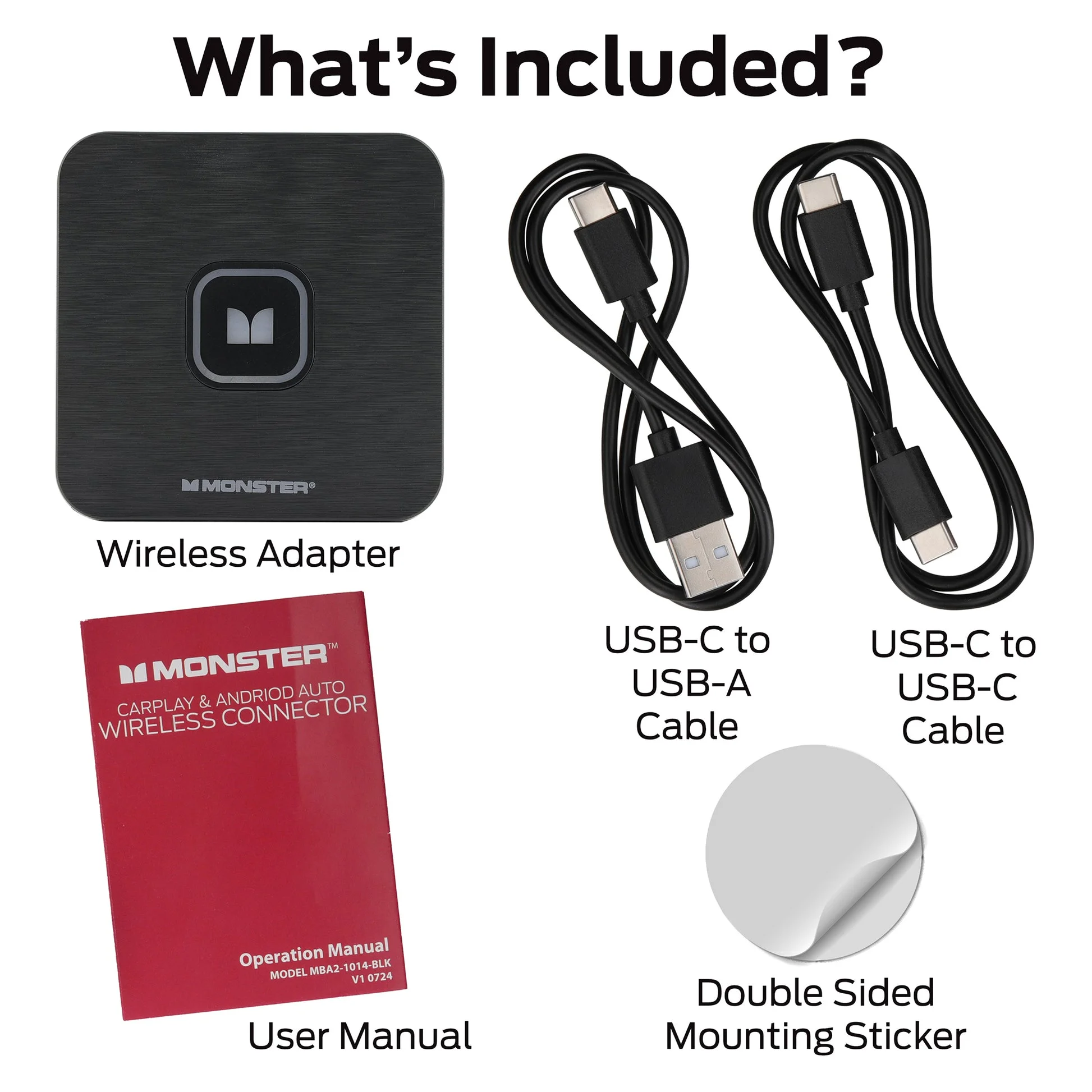
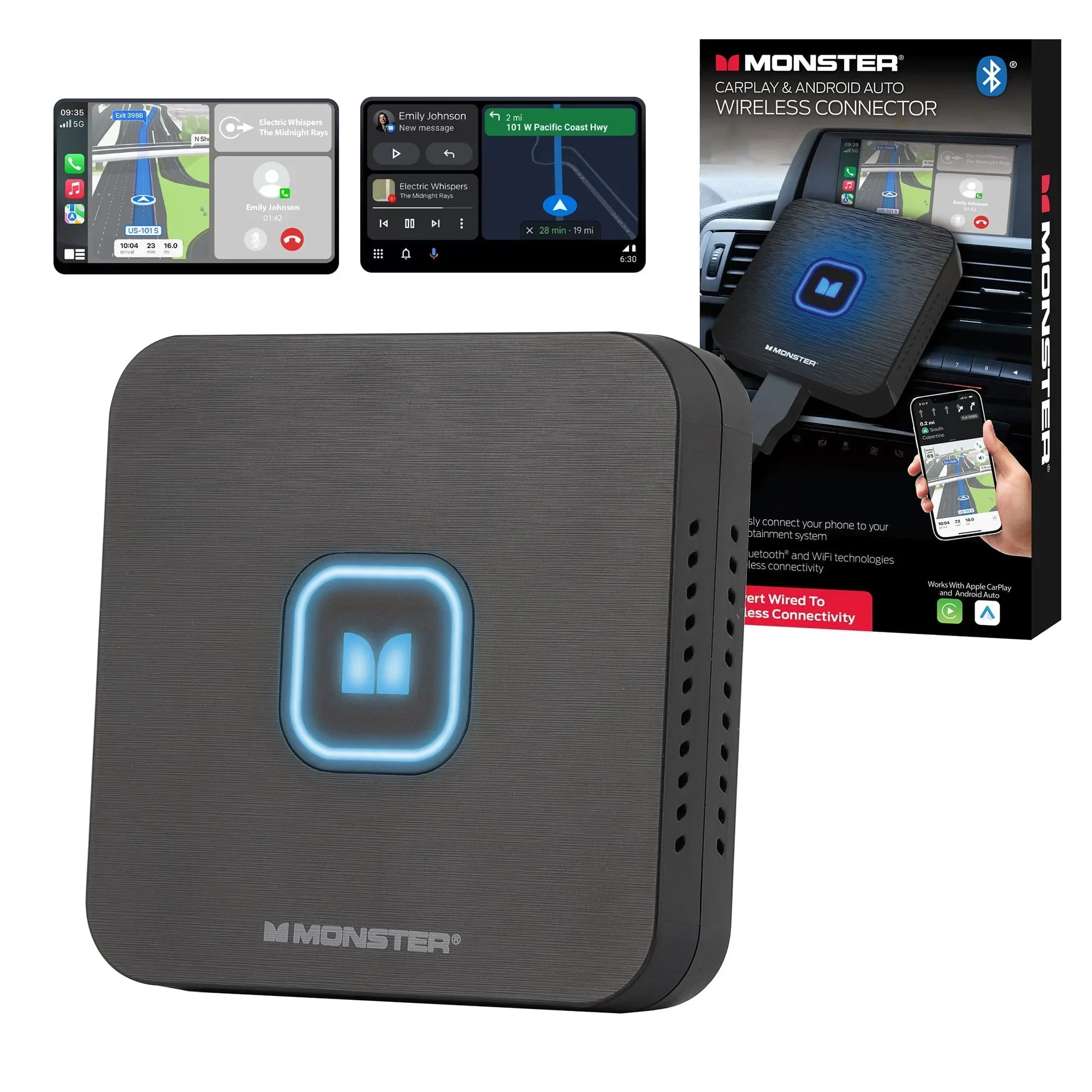
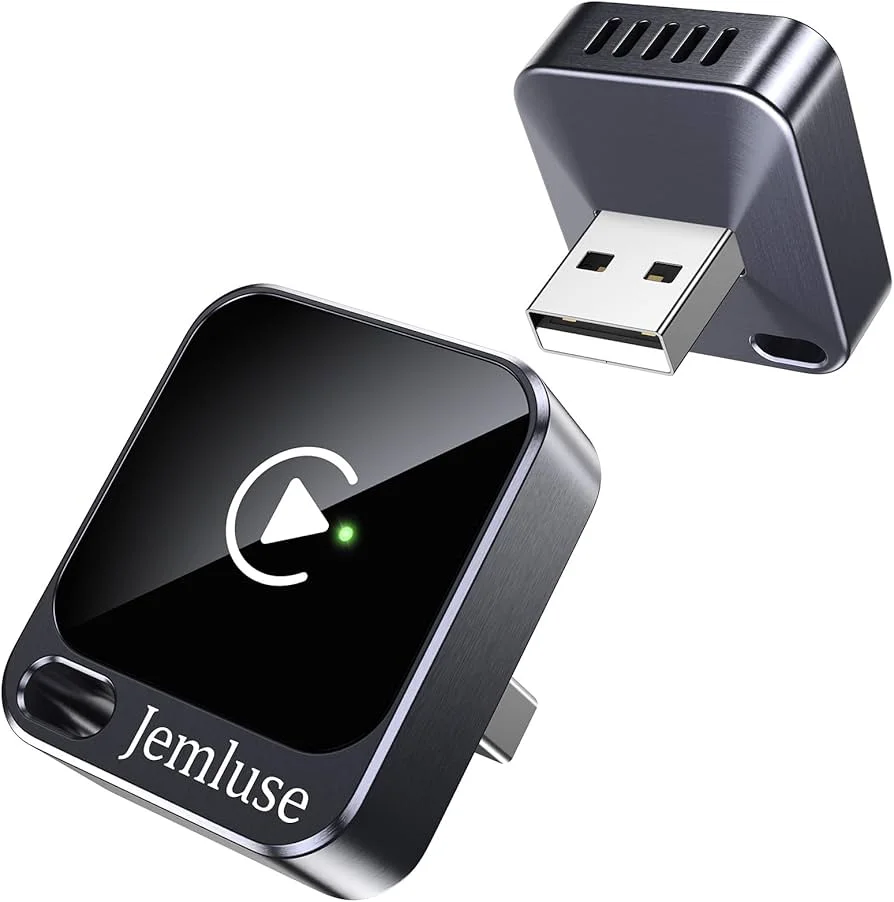
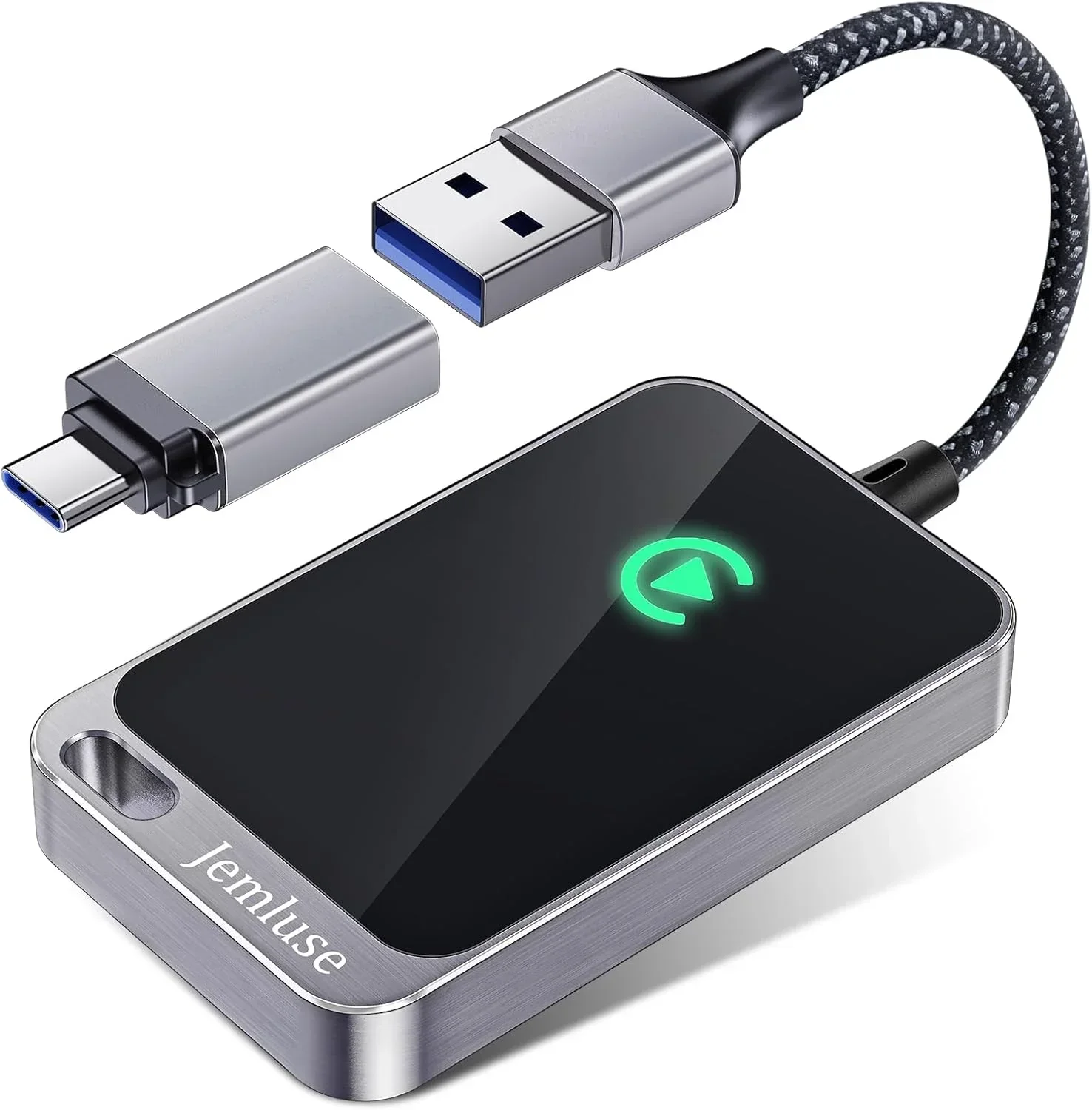
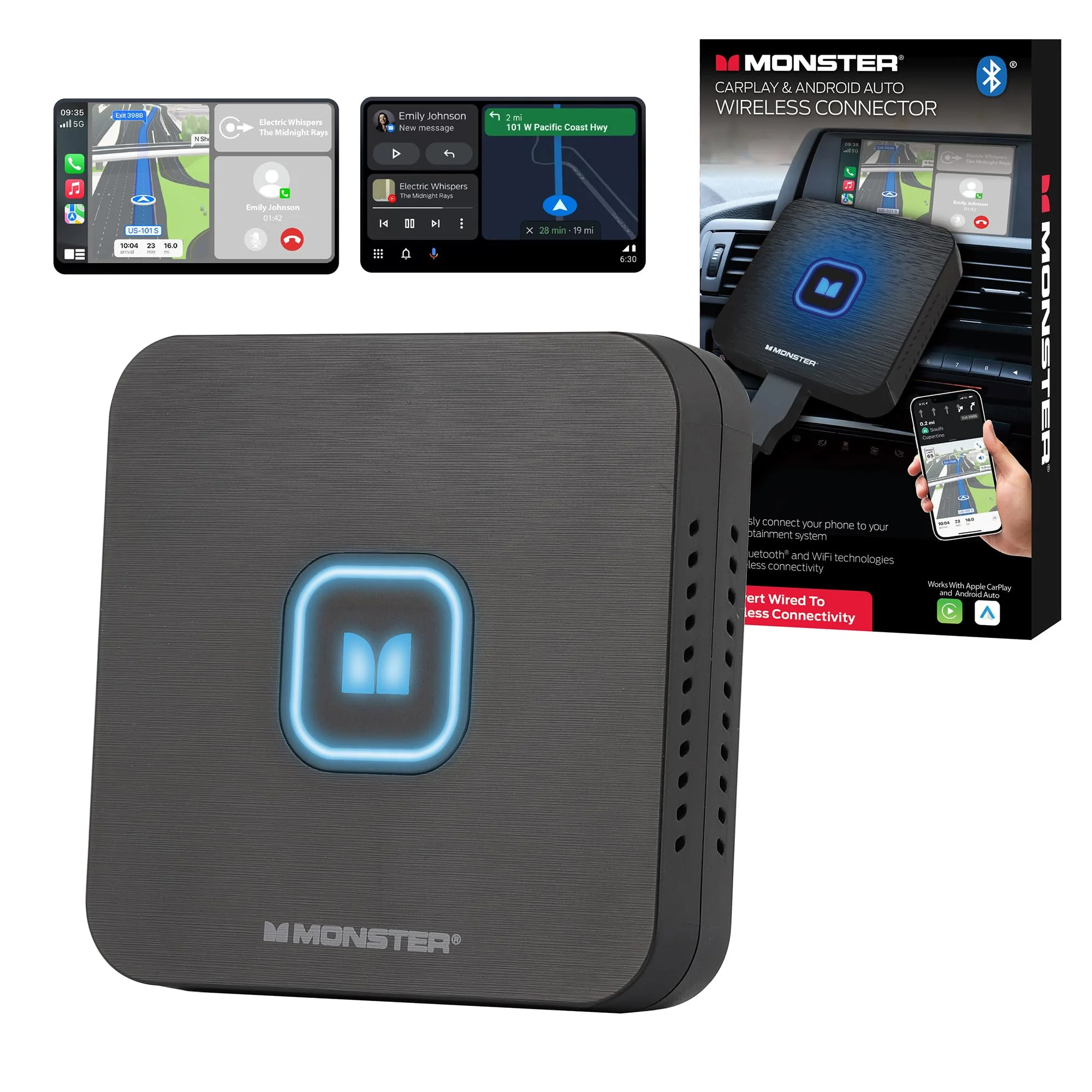
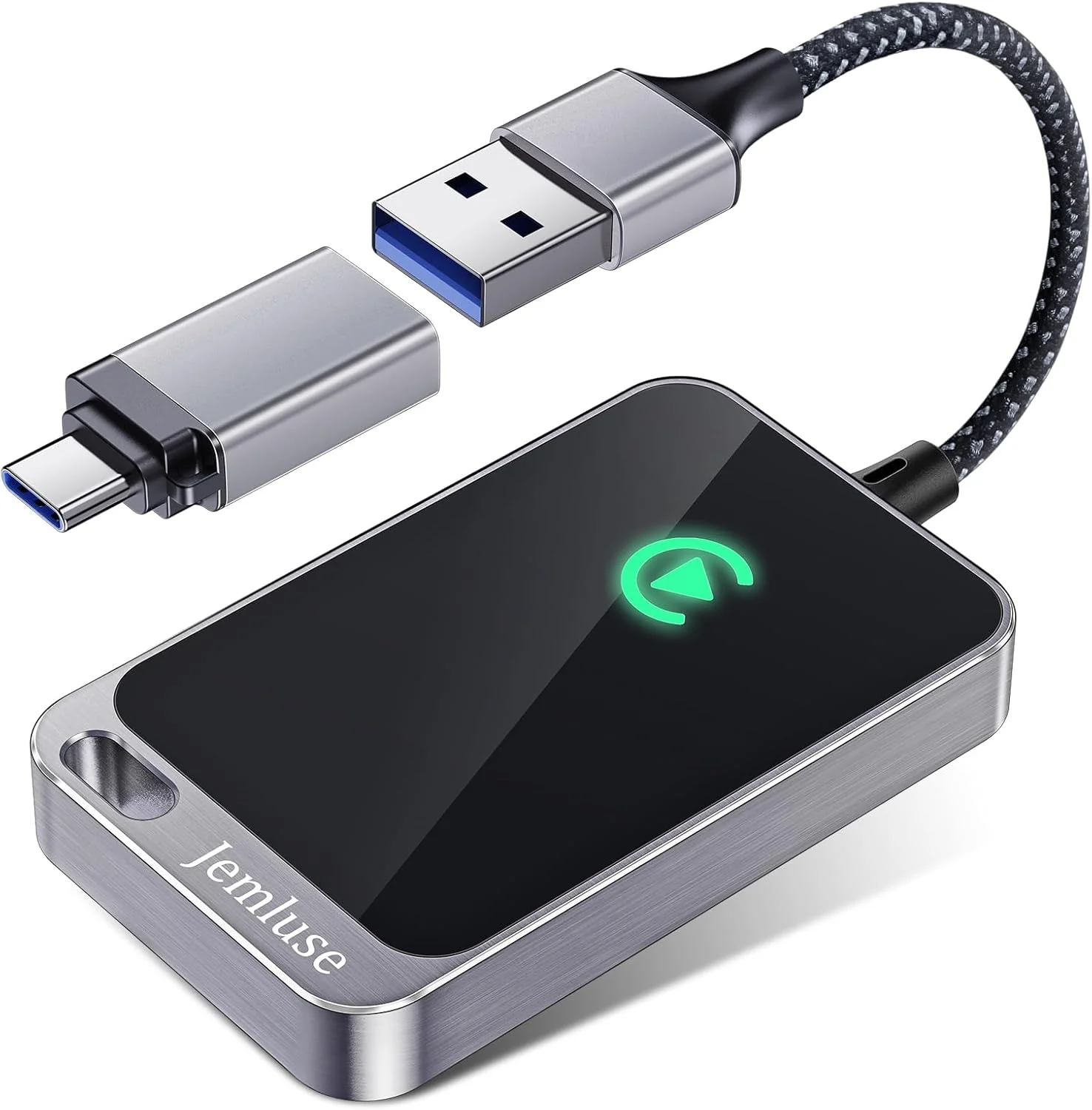
The budget dongles — the Monster Wireless CarPlay Adapter and the Jemluse Wireless CarPlay Adapter, plus the wave of near-identical unbranded ones — are not a scam; plenty of owners run them happily on simple drives. But they're often single-band 2.4GHz on an older chip with whatever firmware shipped, and the common review pattern is a link that's fine on the open highway and stutters in dense traffic or near other Wi-Fi, with a slower, less consistent boot. So treat it as a reliability decision, not a features ranking — they all do the same one job:
The shells look identical; the radio and the chip inside are not. If wireless CarPlay is going to be your everyday interface and a mid-drive audio drop would drive you up the wall, spend into the dual-band, name-brand middle once rather than save at the single-band bottom twice. If you mostly do short, simple trips and tolerate the odd hiccup, the budget dongle does the core job for real money less.
The honest verdict: who should get one, and who shouldn't
A modern wireless CarPlay adapter is a small, genuinely useful upgrade that does what it claims — if you buy the right kind and go in knowing the trade-offs. The good dual-band units work close to a factory wireless system, hold the link about 98 percent of the time per current testing, and erase the daily friction of the cable along with the port wear that friction causes. That's a real win for anyone who uses CarPlay every drive.
Just buy it for what it is, not what the roundups imply. Expect a few seconds of auto-connect at every start (and a slow single-band one will make that a half-minute), expect a hair of latency on rapid inputs, and expect it to draw on your phone's battery faster than a cable — so keep the phone on a pad or short cable, especially on an older iPhone with navigation running. Confirm your car has factory wired CarPlay, seat the dongle in the correct data USB port, buy dual-band with a firmware-update app, and update it before you ever call it flaky.
Do that and the cable you've been wrestling with quietly disappears — which, for the right driver, is exactly worth the twenty-five to seventy-five dollars and the small battery tax. For the driver whose wired cable already works fine and never frays, it's an easy skip and no loss. The technology has quietly grown up; the only mistake left to make is buying the cheap single-band one and blaming wireless CarPlay itself for what is really a thirty-dollar radio cutting the corner you couldn't see. — Nina Park