Why a GPS speed overlay makes footage stronger evidence
A dashcam shows what happened, but a dashcam with a GPS speed overlay proves the details that decide a dispute: how fast you were going, exactly where the incident occurred, and the precise time. That stamped data, laid over the video, is what turns 'here is a clip' into 'here is documented proof that I was under the limit at this location at this moment.'
The trouble is that GPS support varies. Some cameras build it in, some put it in the mount or a separate module you must keep connected, and some make it a flaky optional add-on that is easy to forget — and a camera with GPS hardware but the overlay switched off proves nothing. On top of that, you actually read the speed and route in the brand's player or app, so the software matters as much as the camera.
This guide covers what truly matters: accurate built-in GPS, a clear overlay, good player and map software, and the evidentiary value the feature adds. Then it matches those to the best picks with a head-to-head. It is written for drivers who want the strongest possible record — to prove their speed, pinpoint location, and counter false claims. Once you understand built-in versus add-on GPS and the role of the player, the choice is clear.
One honest note up front so you trust the feature appropriately: a GPS overlay is strong corroborating evidence, not a certified legal instrument. It does not carry the same standing as a calibrated police radar or lidar reading, and it can wobble briefly where the signal is poor. But in the everyday disputes most drivers actually face — a contested fault claim, a false accusation, an insurer needing the location — a clear, time-stamped, speed-and-location-pinned video is frequently decisive. Buy it for that real value, with realistic expectations.
What to look for: the buying criteria
Built-in or well-integrated GPS comes first — integrated GPS or a solid GPS mount is more reliable than a flaky optional module you might forget. Overlay accuracy and clarity is next: the speed, location and time must be accurate and legible on the footage. Player and map software follow — the brand's app or player has to show the speed and route clearly and run on your devices.
Core dashcam quality rounds it out: resolution, night performance, parking mode, because the overlay is only as useful as the video it sits on. We weighted reliable GPS and good player software most heavily, because a GPS camera whose feature is off, whose signal is flaky, or whose player is unusable cannot deliver the evidence value that is the entire reason to want the overlay in the first place.
- Built-in / integrated GPS — more reliable than a flaky add-on
- Accurate, legible overlay — speed, location and time on the footage
- Good player + map software — view route and speed clearly
- Solid core recording — resolution and night clarity underneath
Our top picks for a GPS speed-overlay dashcam
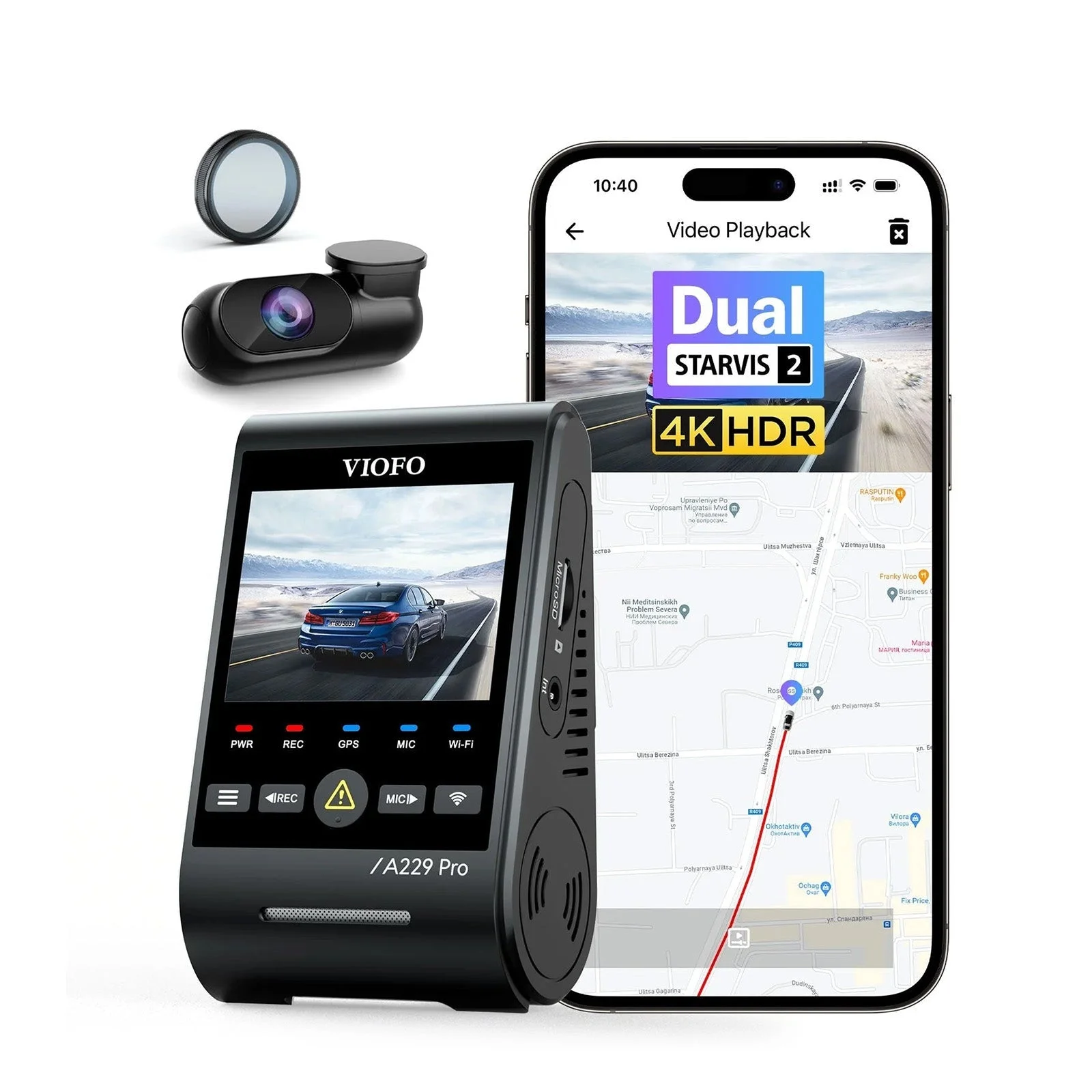
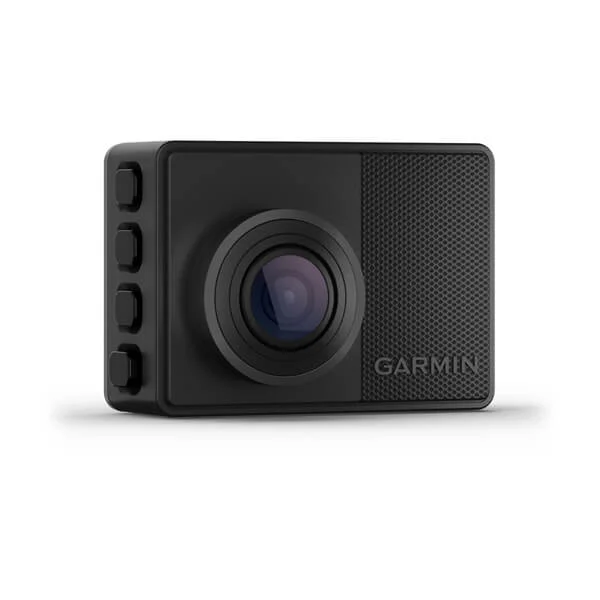
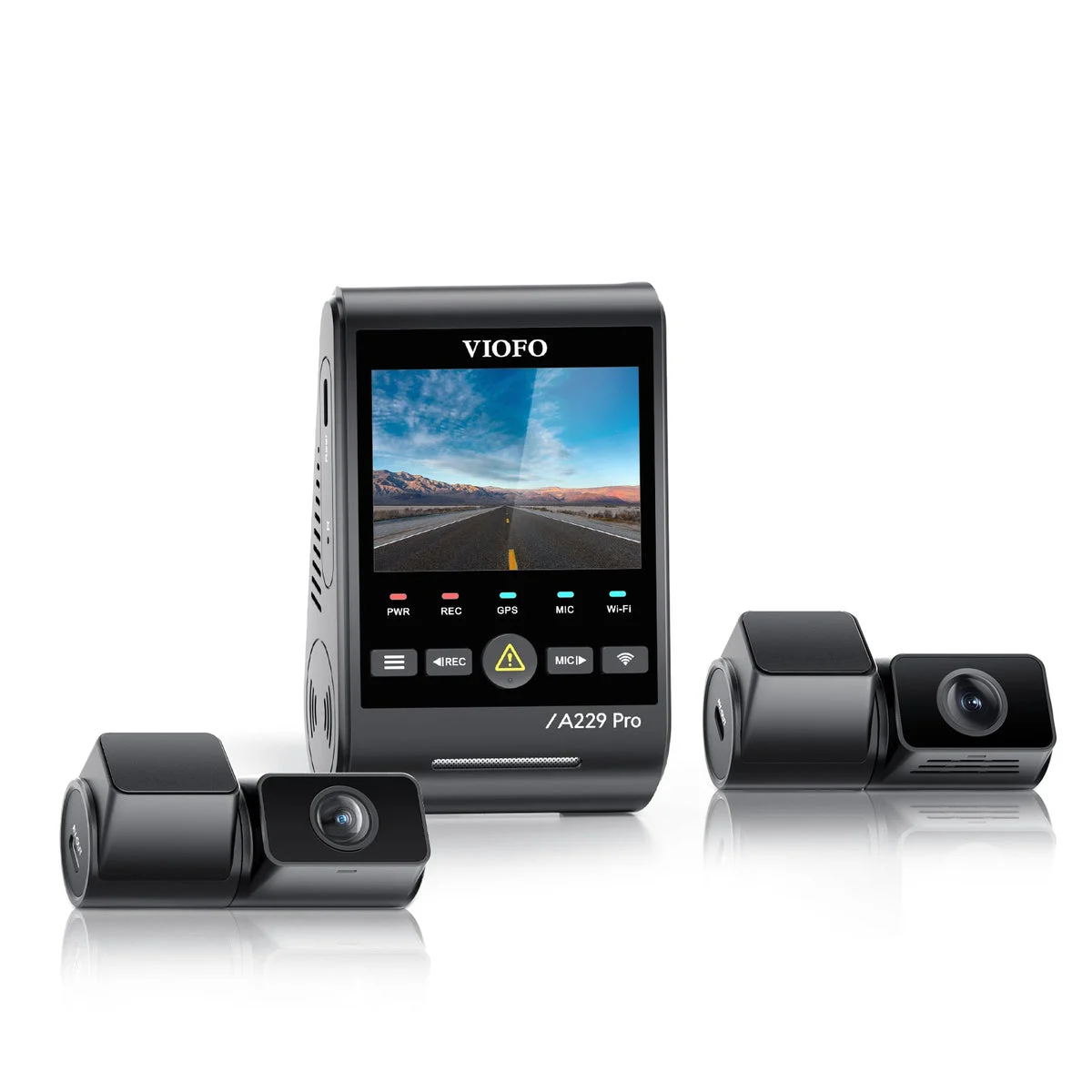
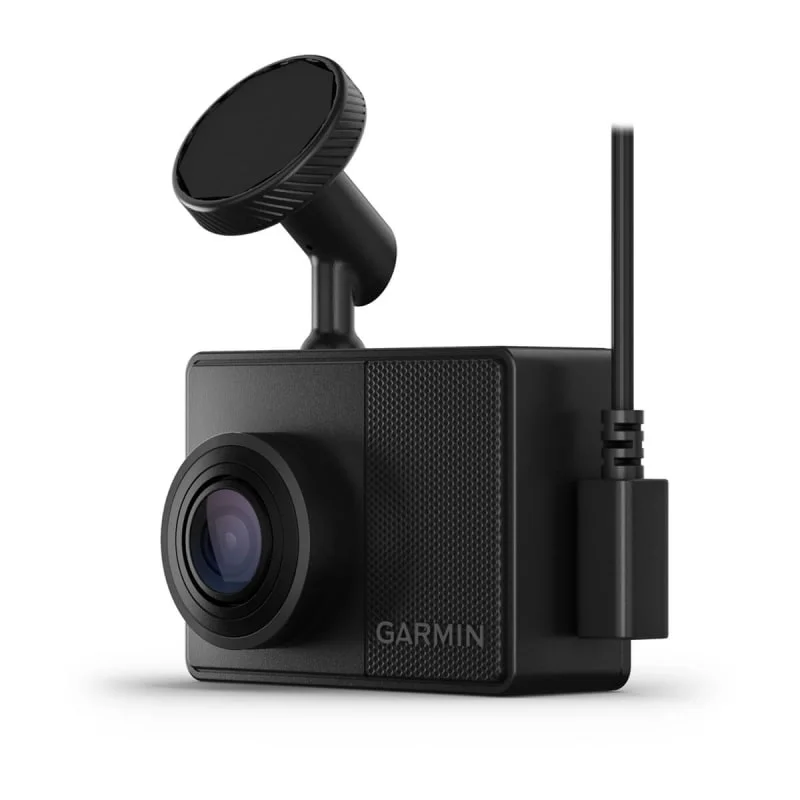
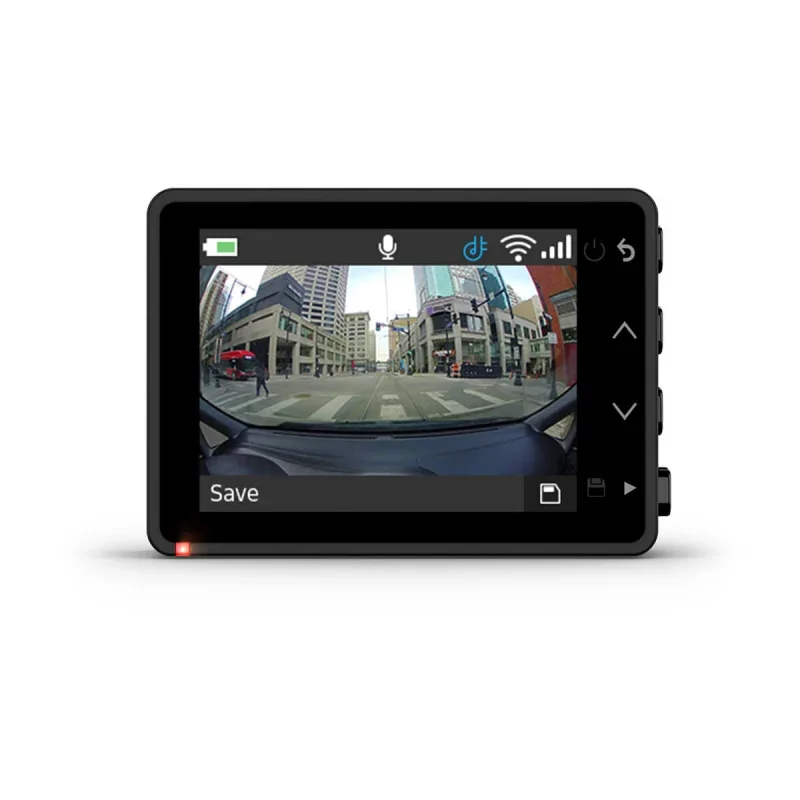
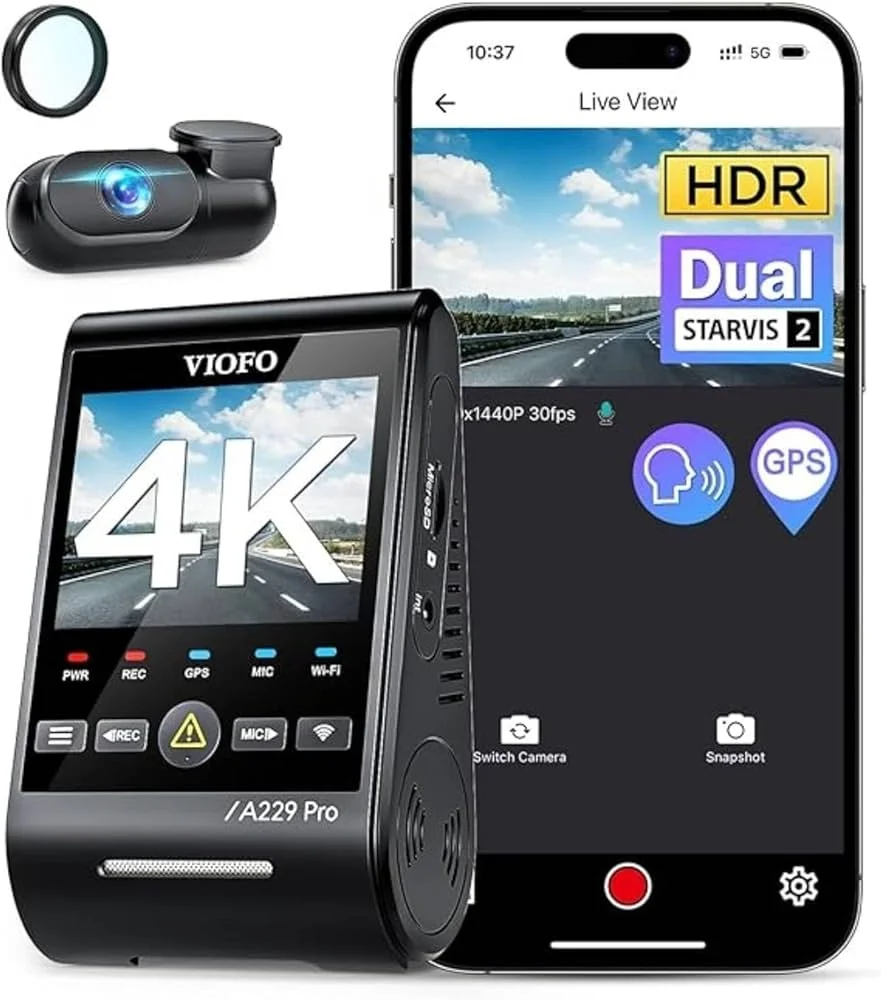
For the best overall GPS overlay the Viofo A229 Pro is the pick: its GPS mount accurately stamps speed and location, the player shows your route synced to the video on a map, and the camera records sharp day and night footage underneath. For the most trusted GPS accuracy, the Garmin Dash Cam 67W brings built-in GPS from a company that built its name on mapping, in a tiny, fuss-free unit.
Quick pick: best overall GPS overlay, the Viofo A229 Pro; most trusted GPS accuracy, the Garmin Dash Cam 67W; best multi-channel with GPS, the Vantrue N4; best connected GPS experience, the Nextbase iQ.
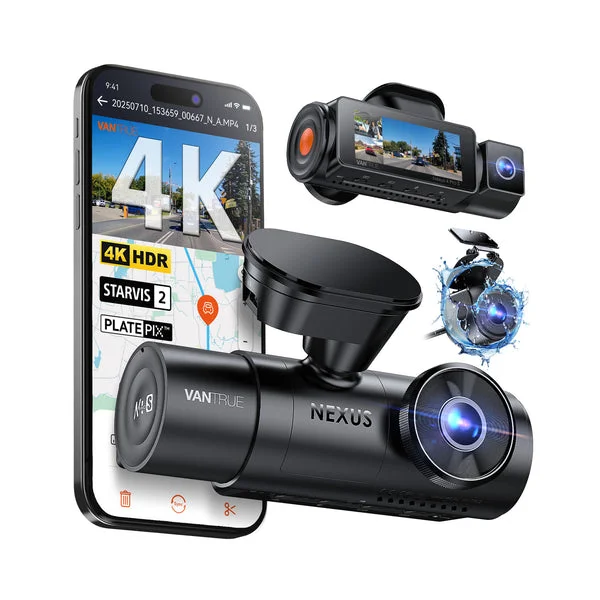
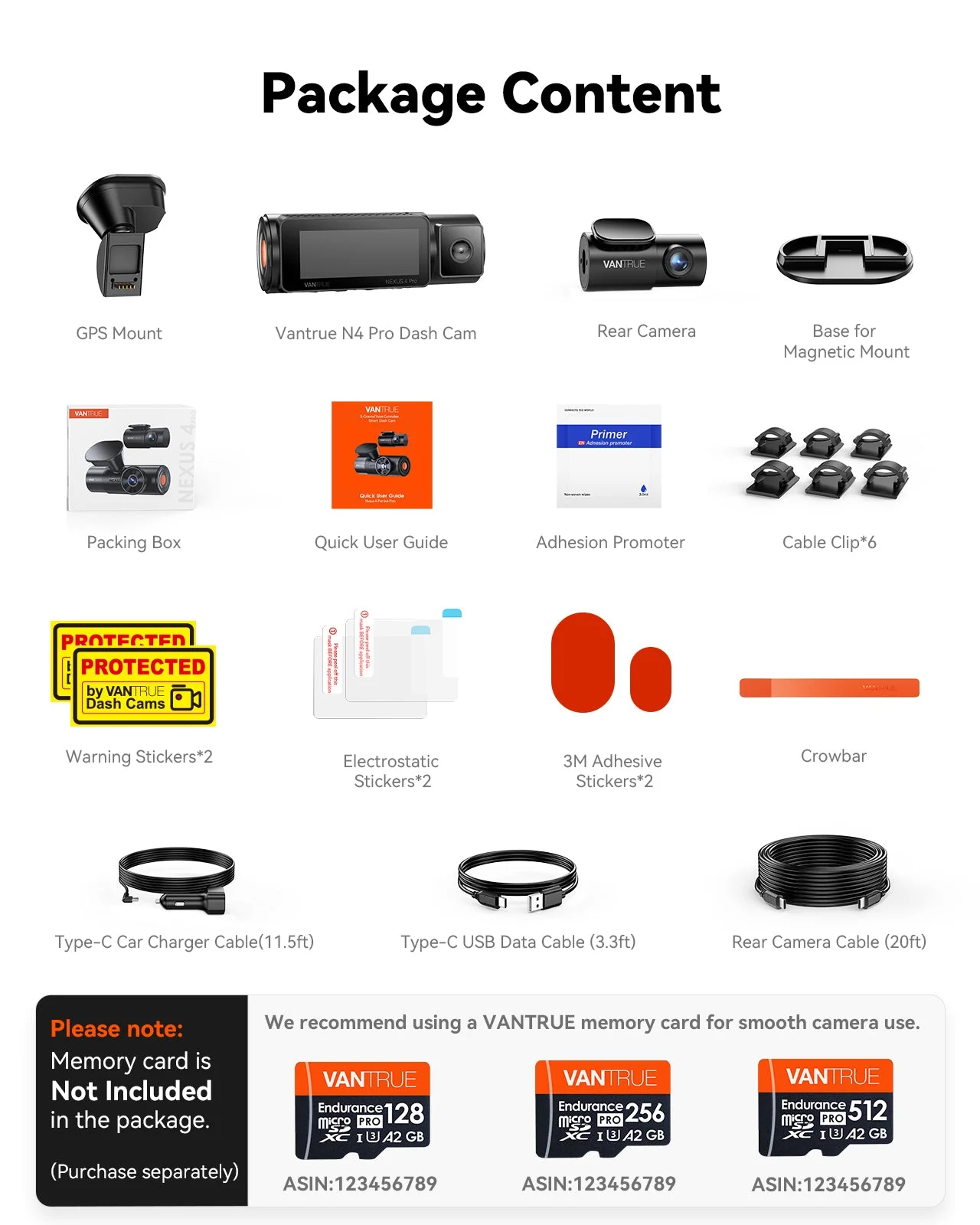
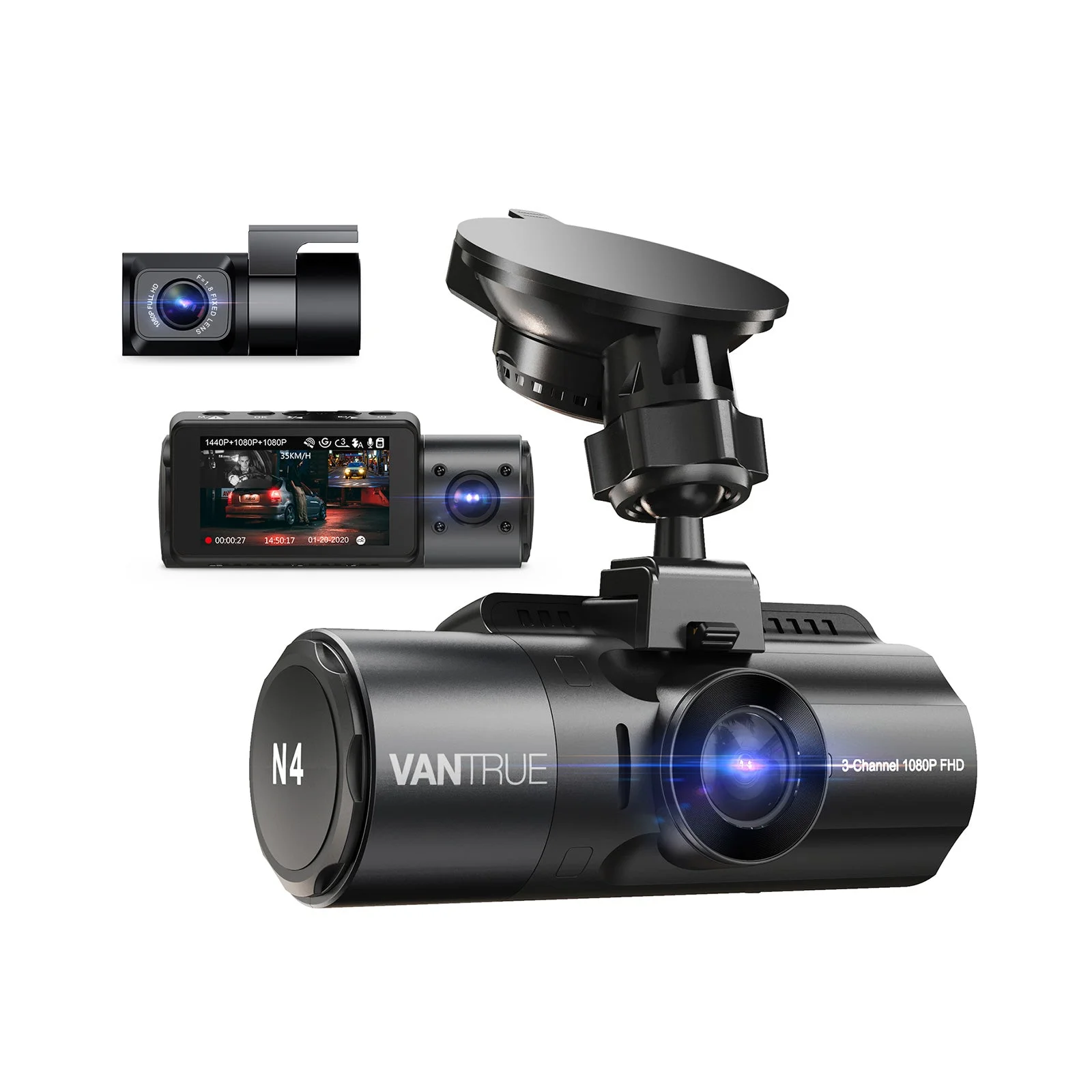
If you want multi-channel coverage with GPS, the Vantrue N4 stamps speed and location across front, cabin and rear recording — the pick for drivers who need interior-and-exterior footage with location data.
Head-to-head: which GPS camera for which driver
The Viofo A229 Pro is the all-rounder: an accurate GPS mount, a good map-based player and strong recording, best for drivers who want the full evidence package at a fair price. The Garmin Dash Cam 67W is the accuracy-and-simplicity pick — trusted built-in GPS in a tiny camera with a polished app — ideal for someone who wants dependable speed stamping with zero fuss.
The Vantrue N4 wins for coverage, layering GPS data over three channels of recording — the choice for rideshare drivers or anyone who wants full interior-and-exterior footage with location stamping.
How the GPS overlay works and what it proves
Mechanically, a GPS receiver in the camera (or its mount) tracks satellites to fix your position several times a second, calculates your speed from how that position changes, and writes the speed, coordinates and time alongside the video. The Viofo A229 Pro records all of this so it can be displayed over the footage and on a map in the player.
What it proves is the valuable part. The overlay can demonstrate that you were traveling within the speed limit at the moment of an incident — directly countering a false claim that you were speeding. It pinpoints exactly where something happened, which matters when an insurer or the police need a precise location. And the synchronized time stamp ties it all together into a coherent record. The honest framing is that GPS speed is strong corroborating evidence rather than a certified legal reading like a calibrated police instrument, but in real disputes a clear, location-and-speed-stamped video from a camera like the Garmin Dash Cam 67W is frequently decisive.
The core value: an overlay turns 'my word against theirs' into a time-stamped, location-pinned, speed-documented video — corroborating evidence that often settles the dispute.
Built-in GPS vs add-on modules and mounts
Not all GPS is delivered the same way, and the difference affects reliability. Built-in GPS, as in the Garmin Dash Cam 67W, integrates the receiver into the camera body — there is nothing extra to attach, nothing to forget, and the antenna is engineered into the unit, the cleanest and most dependable approach.
Many cameras instead put GPS in the mount — the Viofo A229 Pro uses a GPS-equipped mount — which works well as long as you use that mount, or in a separate external puck you route and keep connected. These are fine, but they add a part you must not lose or disconnect. The one setup to be wary of is a camera where GPS is a flimsy optional add-on. Whatever the design, two rules apply: keep the GPS element unobstructed with a clear view of the sky, and confirm in the settings that the overlay is actually enabled — because GPS hardware that is disconnected or switched off records no speed at all, defeating the whole purpose.
- Built-in GPS: nothing to attach or forget, most reliable
- GPS mount/puck: works well, but you must keep it connected
- Always: clear sky view and confirm the overlay is enabled
Accuracy, signal and the honest limits
GPS is impressively accurate for dashcam purposes, but it is worth understanding where it can wobble so you trust the overlay appropriately. In open conditions with a clear sky, a quality receiver like those in the Viofo A229 Pro and Garmin Dash Cam 67W tracks speed reliably and usually within a small margin — easily good enough to show you were under the limit.
The limits are honest and predictable. In tunnels, dense urban canyons between tall buildings, or under heavy tree cover, the signal can degrade and speed briefly becomes less precise. A heavily tinted or metallized windshield can weaken reception, and the receiver needs a short moment to lock onto satellites when you start driving. None of this undermines the feature for everyday use — the overlay is corroborating evidence, not a certified instrument, and in normal driving it is accurate and compelling. Just know that a momentary glitch in a tunnel is the system behaving normally, not the camera failing.
The player and app: where you actually use the data
A point buyers overlook is that the camera only records the GPS data — you experience it through the brand's player or app, so that software is half the system. A good player, like Viofo's or Garmin's, opens your clip and shows the video alongside a live speed readout and your route drawn on a map that moves in sync as the footage plays, which is exactly what makes the data persuasive and easy to follow.
Real-world uses: when the overlay actually saves you
It is easy to treat a GPS speed overlay as a nice-to-have until you picture the situations where it earns its keep — and they are more common than drivers expect. The classic case is a disputed-fault collision: the other party claims you were speeding into the intersection, and the overlay on a camera like the Viofo A229 Pro shows your verified speed was well within the limit, turning your word against theirs into documented fact.
Another is the insurance claim where exactly where and when matters — the overlay's location and time stamp pin the incident precisely, which helps adjusters establish the sequence of events and can speed up a settlement. There is also the false accusation: a complaint that you were driving recklessly or too fast in a particular spot, which a speed-and-location-stamped clip from a Garmin Dash Cam 67W can directly rebut.
Beyond disputes, the overlay has quieter everyday value. It documents your route and speed on a road trip for your own records, helps you review your own driving honestly, and provides context that makes any clip more credible if you ever need to show it. The honest framing is that you buy a GPS overlay hoping never to need it, the same way you buy insurance — but in the moment a dispute turns on how fast you were going or exactly where something happened, a time-stamped, location-pinned speed record is exactly the evidence that settles it in your favor. For drivers who take the protective purpose of a dashcam seriously, that quiet documentation is well worth the small extra cost of GPS.
Common mistakes buying a GPS-overlay dashcam
The recurring errors blunt the evidence value you are paying for. The first is buying a camera with flaky optional GPS and forgetting to attach it — prefer built-in or a solid GPS mount like the Garmin Dash Cam 67W's or Viofo A229 Pro's. The second is leaving the overlay disabled in settings, so the hardware records no speed; always confirm it is switched on.
The third is ignoring the player software, ending up with GPS data you cannot easily view on your devices — check the app runs on your phone or computer. The fourth is treating GPS speed as an unimpeachable legal reading rather than strong corroborating evidence, and being surprised by a momentary tunnel glitch. Buy reliable built-in or mounted GPS, enable the overlay, confirm the player works for you, and understand the honest accuracy limits, and the speed overlay becomes a genuinely powerful protection — quiet documentation that proves your case when you need it.
- Flaky optional GPS: easy to forget to attach
- Overlay left disabled: hardware on, no speed recorded
- Ignoring the player: data you cannot easily view
- Expecting a certified reading: it is strong corroboration, not a police device
Verdict
Prefer built-in or a well-integrated GPS mount, confirm the overlay is enabled, check the player runs on your devices, and understand that GPS speed is strong corroborating evidence rather than a certified reading. Do that and a GPS speed overlay quietly documents your speed, location and timing — proof that can settle a dispute in your favor; skip the details and you may own GPS hardware that records nothing useful when you finally need it.